AI-driven development tools have sparked a wave of debates, from whether developers should read generated code to whether Retrieval-Augmented Generation (RAG) is obsolete. These discussions—often framed as bold hot takes—can be misleading if taken at face value. In a recent episode of the GitHub Podcast, contributors unpacked five such claims with a focus on clarity, context, and practical outcomes. The goal isn’t to settle debates, but to understand how AI tools interact with real work.
What Happened in the Podcast?
The episode examined five widely circulated AI hot takes, each of which appears to offer a simple truth but often lacks nuance. The discussion was not about whether the statements are correct, but about how they reflect broader shifts in software development practices. The podcast emphasized that hot takes are useful only when they prompt deeper inquiry—when they become a starting point for testing, building, and learning.
Key Facts and Clarifications
Each hot take was evaluated for accuracy and practical relevance:
- “You do not need to read AI-generated code”: This is false in full. Developers still bear responsibility for code quality. However, the level of scrutiny varies. A simple CSS tweak requires less review than a security-sensitive authentication refactor. The key insight is that review should be guided by risk, not uniformity.
- “Companies will not hire you if you do not use AI”: This is an oversimplification. While AI is now part of engineering workflows, no team expects every developer to use the same tools or approach. The more important skill is judgment: knowing when to use AI, when to work manually, and how to maintain oversight.
- “Skills killed MCP”: This is a misstatement. Skills and the Model Context Protocol (MCP) solve different problems. MCP enables standardized tool access, while skills provide human-readable, process-based guidance. They are complementary, not competitive.
- “RAG is dead”: RAG is not dead. It remains essential for grounding AI responses in real-world data—such as codebases, documentation, or product knowledge. Without retrieval, models rely on internal knowledge or waste tokens searching for context.
- “If you need to fine-tune a model for your codebase, your code is bad”: This is a flawed inference. Fine-tuning may be necessary in niche cases, but it signals a maintainability issue. Well-structured, consistently named, and well-documented codebases are easier for both humans and AI to understand.
Background: How These Tools Actually Work
Understanding the tools behind the debates requires a clear grasp of their functions:
Retrieval-Augmented Generation (RAG)
RAG allows AI models to retrieve information from external sources—like documentation, codebases, or support logs—before generating a response. This ensures answers are grounded in real data rather than model memory. Without RAG, models may generate plausible but incorrect answers based on outdated or generic training data.
Skills
Skills are human-authored, often Markdown-formatted documents that explain how to work on a project, use a tool, or follow best practices. They serve as a form of knowledge transfer and process documentation. Because they are readable, they can be shared, updated, and reviewed—making them valuable for team onboarding and consistency.
Model Context Protocol (MCP)
MCP provides a standard interface for AI agents to access tools and external data. It enables agents to call functions, retrieve context, and act in a structured way. While MCP enables interoperability, skills provide the context and reasoning behind how to use those tools effectively.
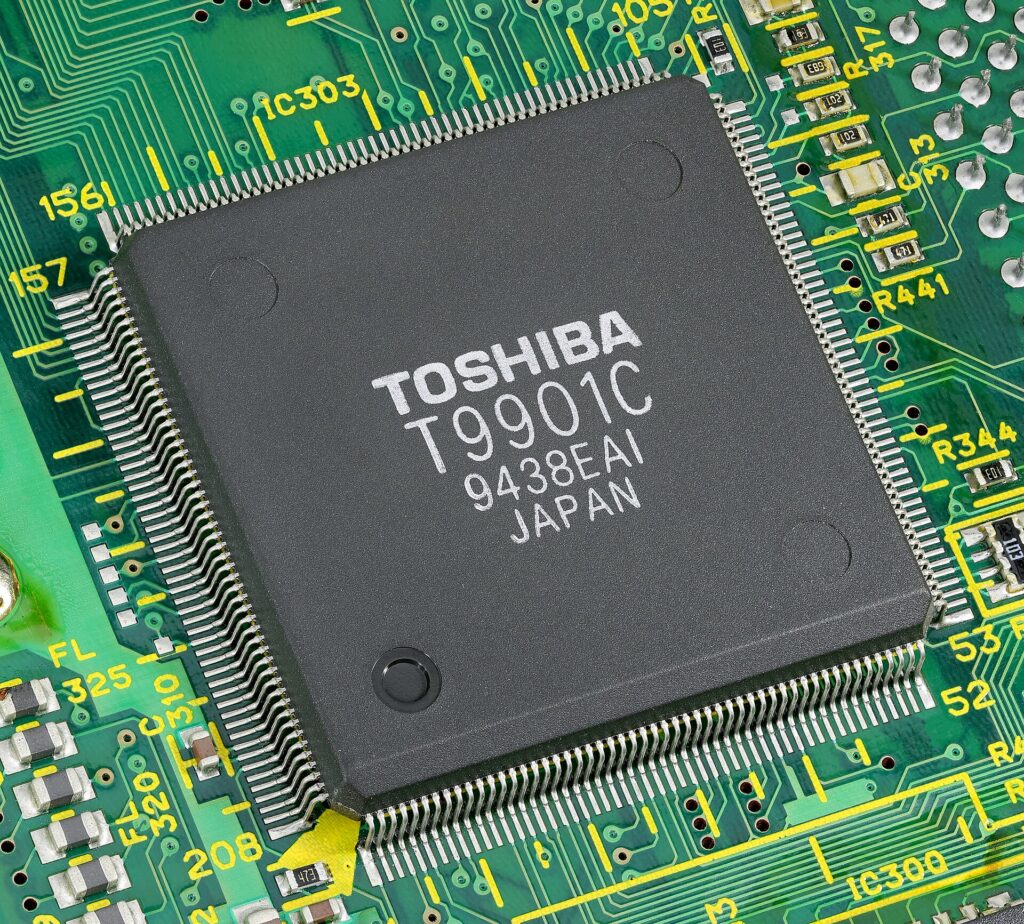
Manufactured by Toshiba, 1994. by Mister rf, CC BY-SA 4.0, via Wikimedia Commons. · Source · License
Why This Matters
These tools don’t exist in isolation. In practice, a workflow might involve:
- An agent using MCP to access a database tool,
- Following a skill to understand project-specific conventions,
- Using RAG to retrieve relevant code or documentation.
When used together, they form a robust, human-centered AI workflow. The podcast stresses that treating these components as competitors misses how developers actually build. The real value lies in integration—not in choosing one over another.
Limitations and Open Questions
Despite their practical utility, these tools face limitations:
- Tool reliability: AI-generated code or decisions may still contain errors. Without human oversight, these can propagate into production systems.
- Knowledge gaps: AI tools are only as good as the data they access. Poorly structured or outdated codebases can mislead both developers and agents.
- Workflow variability: No single AI workflow fits all teams. What works for a startup may not suit a legacy enterprise with complex dependencies.
- Human-AI collaboration: The most effective outcomes come not from AI doing the work, but from humans guiding, reviewing, and refining AI outputs.
These open questions highlight the need for ongoing experimentation. Projects like Pollinations AI and Avian Visitors demonstrate this by building real-world applications that test AI integration, incentives, and usability—without making definitive claims.
What to Watch Next
As AI tools evolve, the focus will shift from debates to evidence. Developers and teams should prioritize:
- Building real projects that test AI workflows,
- Documenting how AI is used and evaluated,
- Creating open, transparent systems where both humans and AI can contribute meaningfully.
For those interested in how AI is reshaping development, explore how GitHub Copilot handles massive pull requests or OpenAI’s new practical AI tools. These cases show how AI is being applied in real, scalable ways.
Ultimately, the most valuable insight from these hot takes is not about which tool is best—but about how we learn, test, and adapt. The future of AI in development isn’t about choosing between technologies. It’s about building systems where humans and AI work together with clear roles, shared responsibilities, and real accountability.
Sources & further reading
Featured image: Scope and content: The original finding aid described this as:
Capture Date: 10/21/1974
Photographer: DONALD HUEBLER
Keywords: Larsen Scan
Location Building No: 49 by Unknown authorUnknown author or not provided, Public domain, via Wikimedia Commons. Image source